
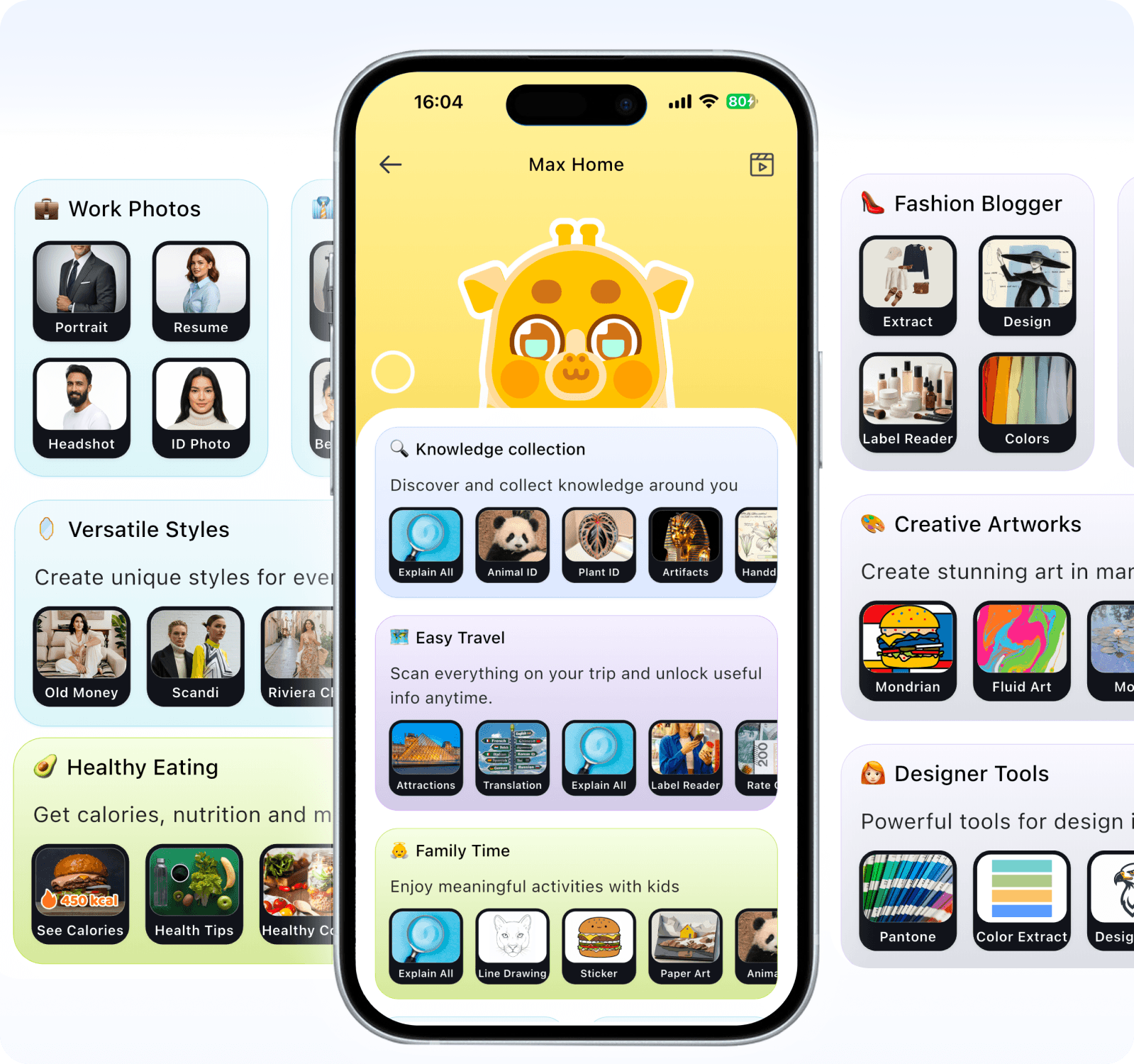
Meet Ask Max — your brand-new AI visual assistant. Accompanied by the lovely giraffe Max, this tool comes with 9 dedicated AI role cards. Simply capture an image and tap the corresponding assistant card to trigger camera recognition, AI art generation, smart scanning, OCR, PDF processing and card archiving. Get polished visual outputs effortlessly for study, work, daily life and creative projects.

Special Abilities/Skills:Memorizes at a glance, masters things instantly upon seeing, Walking encyclopedia, Sponge for knowledge, excels at organization、Analyse pictures.
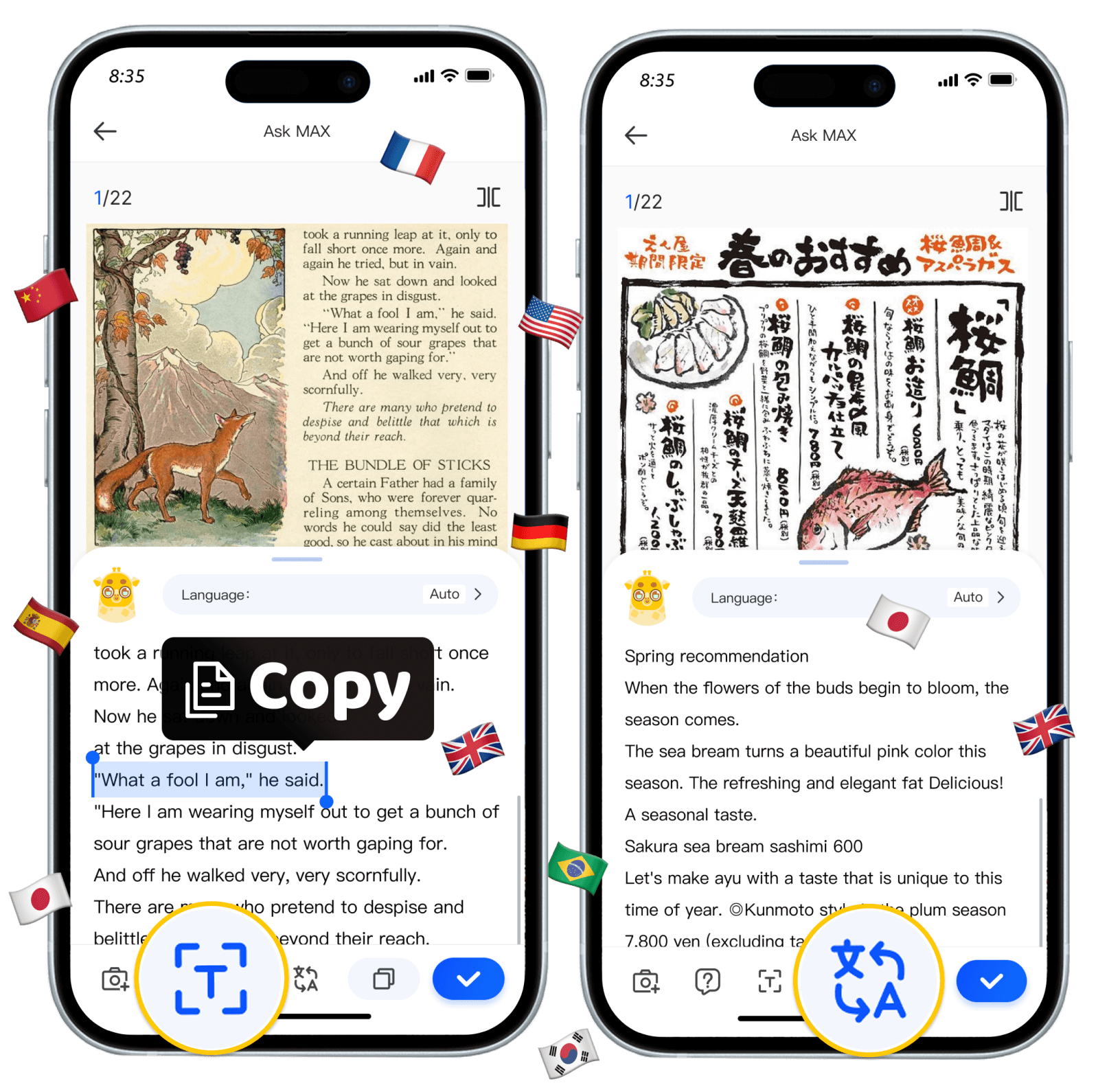
• Take a photo to open the OCR/translation function and get the result with one click
• Supports 100+ languages,and available offline.
• OCR:Unlimited extract text,picture to text.
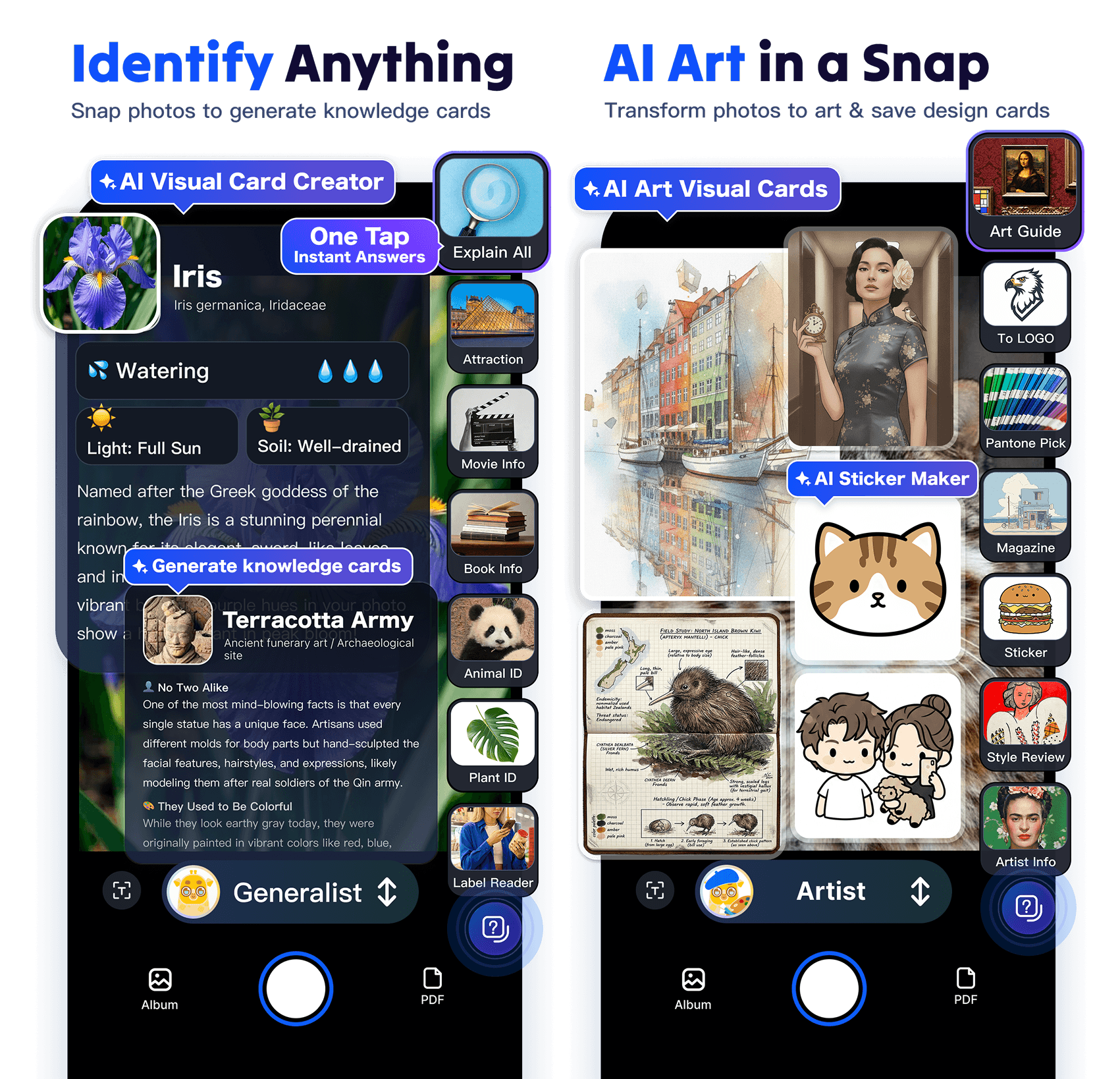
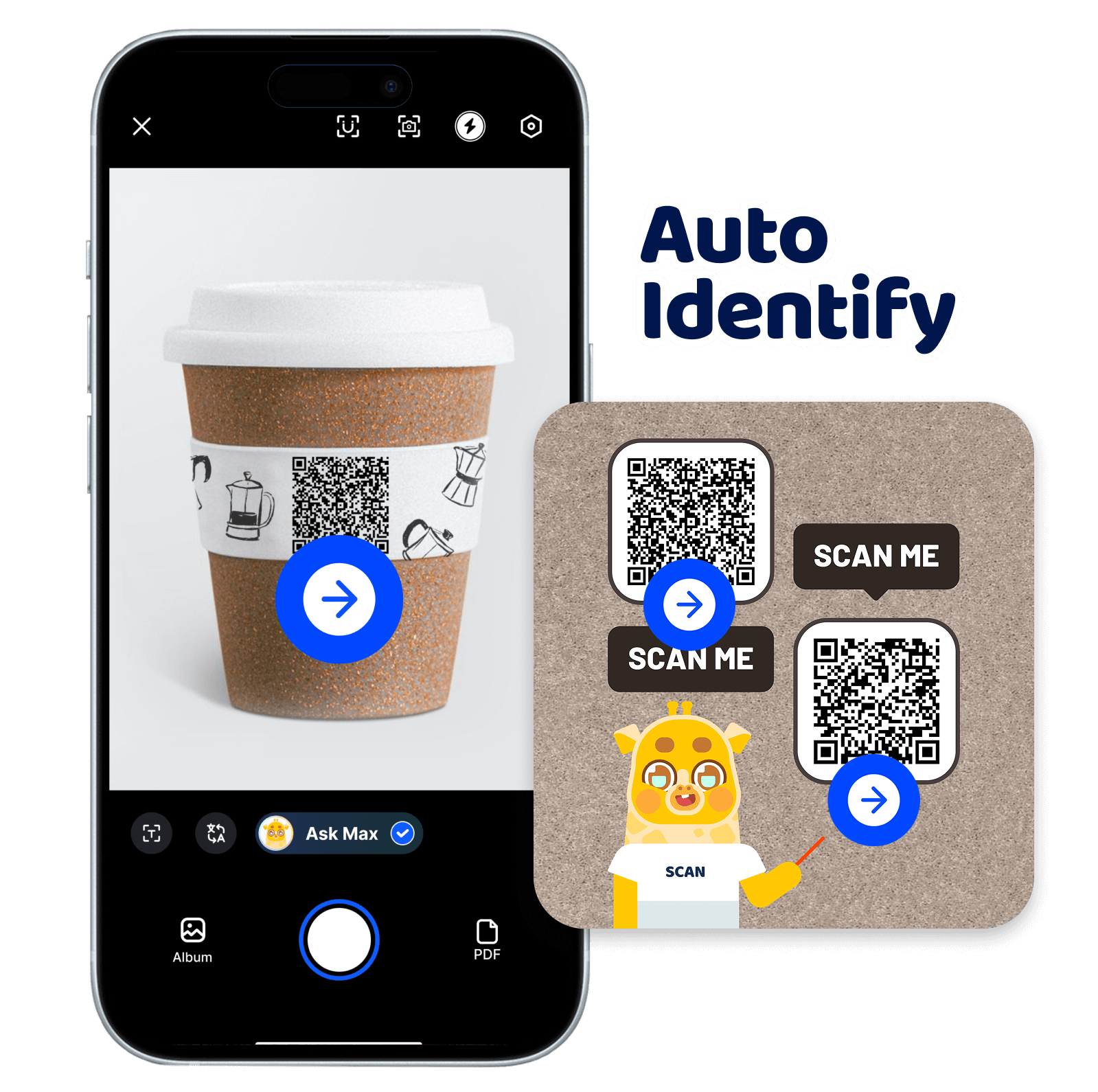
📸 Snap & Ask—Scan Anything, Instant Insights, Deep Understanding.
🖼️ AI Image Creation:Make portraits and ID photos with one tap; restyle photos instantly; extract colors and save them as design cards.
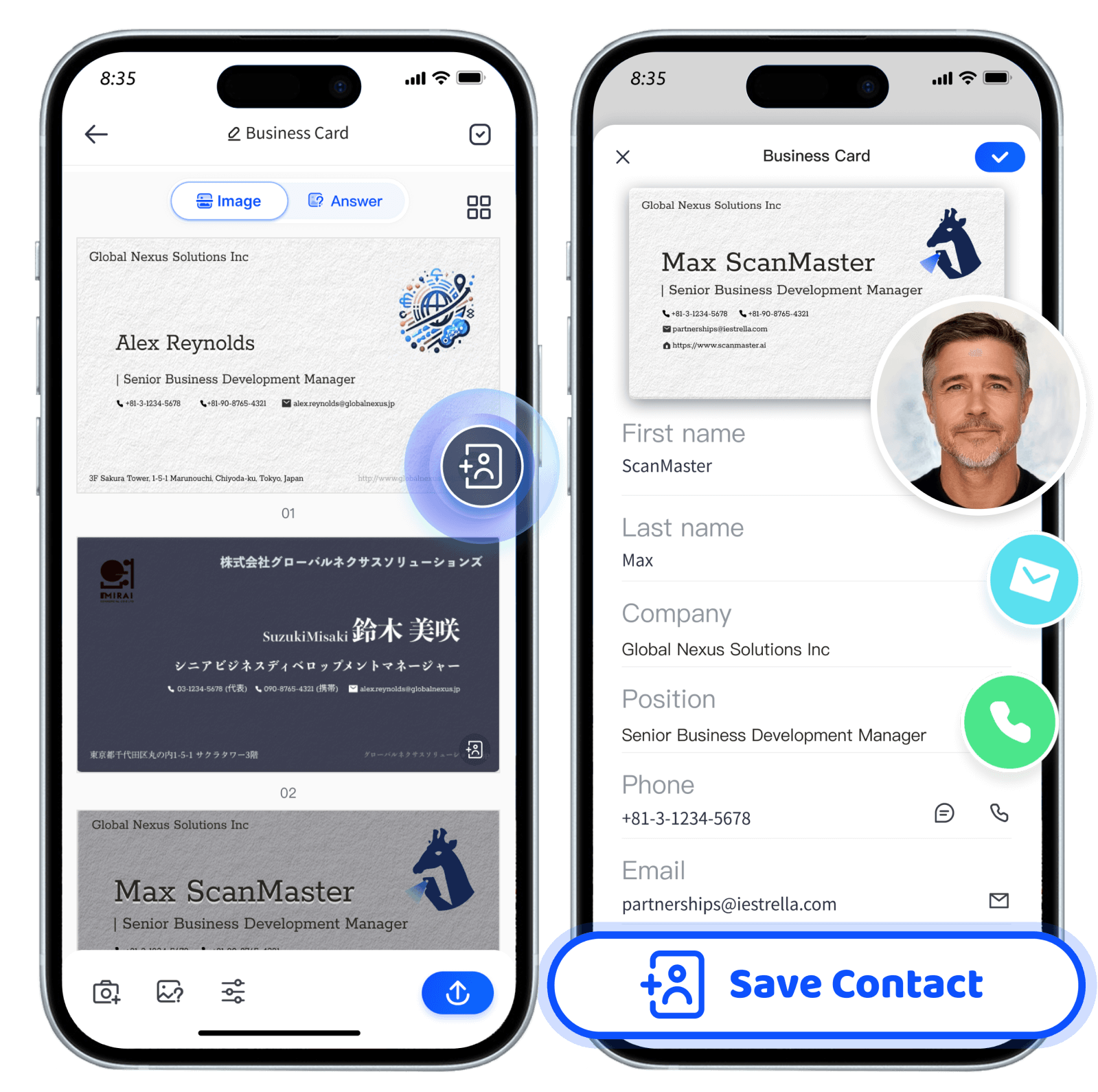
📚 Contracts, Books,Whiteboard,PPT,Bussiness card — Max gets it done in one tap.
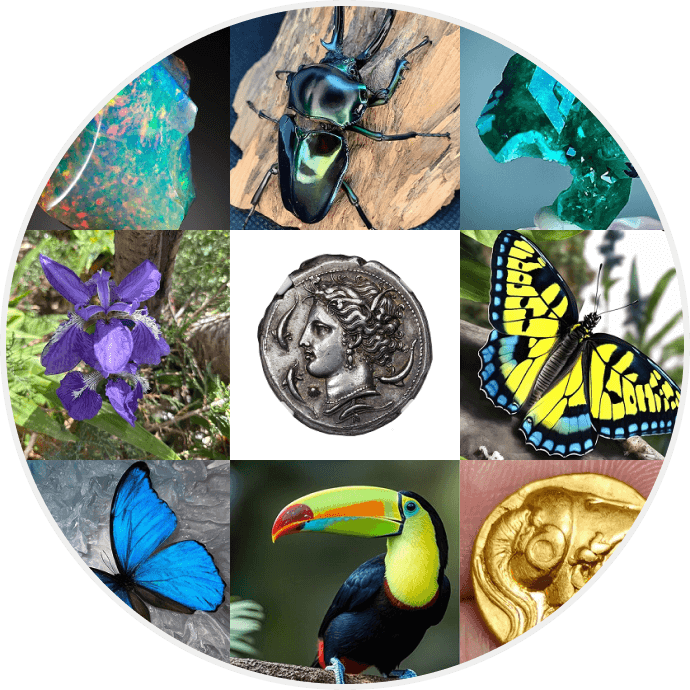
🌹 Plants,Stone,Coin,Mushroom,Bugs — Max identify it done in one minute.
🎨 Whether you're an art lover, student, or business pro, focus on what matters.
📲 Scan → AI-powered recognition + translation + summary + export.
🚀 Ask Max helps you get more done, smarter and faster!
Your Camera & Photo Assistant:
• General Knowledge Expert: Identify plants, animals, landmarks and relics to generate encyclopedia knowledge cards.
• Fashion Stylist: AI outfit design, portraits, ID photos and custom styling visual cards.
• Artist: Turn photos into sketches, Monet art and Chinese brush paintings; create logos, stickers and color palette cards.
• Health & Food Guru: Analyze nutrition, calculate calories and make well-organized recipe cards.
• Study Assistant: Snap problems for step-by-step answers, grade homework and organize study note cards.
• Linguist: 100+ language camera translation, vocabulary flashcards and grammar analysis cards.
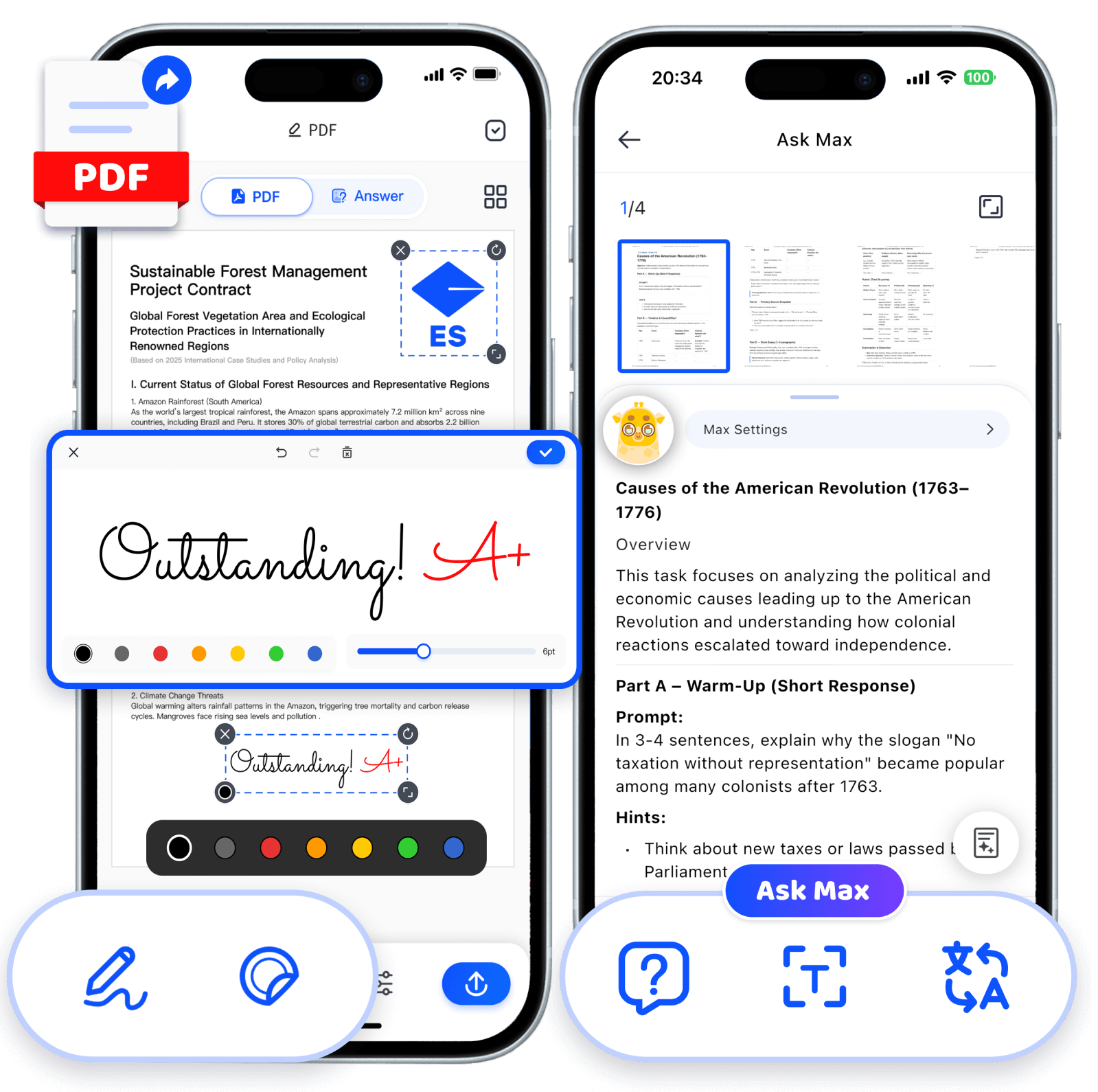
• Office Assistant: Scan docs, summarize PPTs, review contracts and generate clean document cards.
• Finance Assistant: Extract receipt data, track expenses and create budget record cards.
• Fun Image Interpreter: Creative photo analysis to make entertaining graphic cards.



👩💻Assistant Max: Smart Office, Smarter Insights
🦉Linguist Max: Language Decoded, Worlds Explored
🎨Artist Max: Art Unveiled, Vision Renewed
🧑🍳Foodie Max: Taste Global, Eat Smart
💰CFO Max: Finance Clarity, Future Certainty
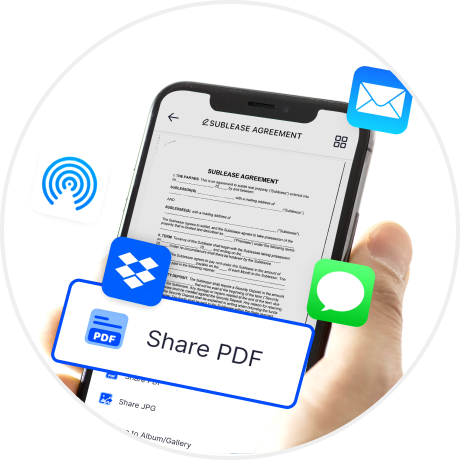
One of the biggest differences between scanning and photographing is that scanning allows for better subsequent processing of documents, such as editing sharing, or other operations.
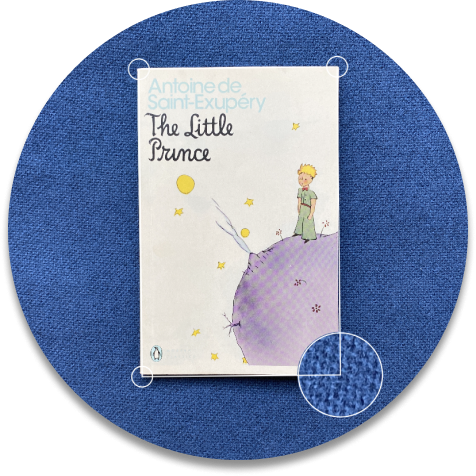
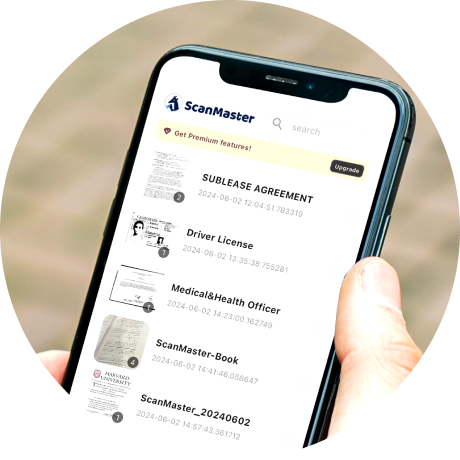
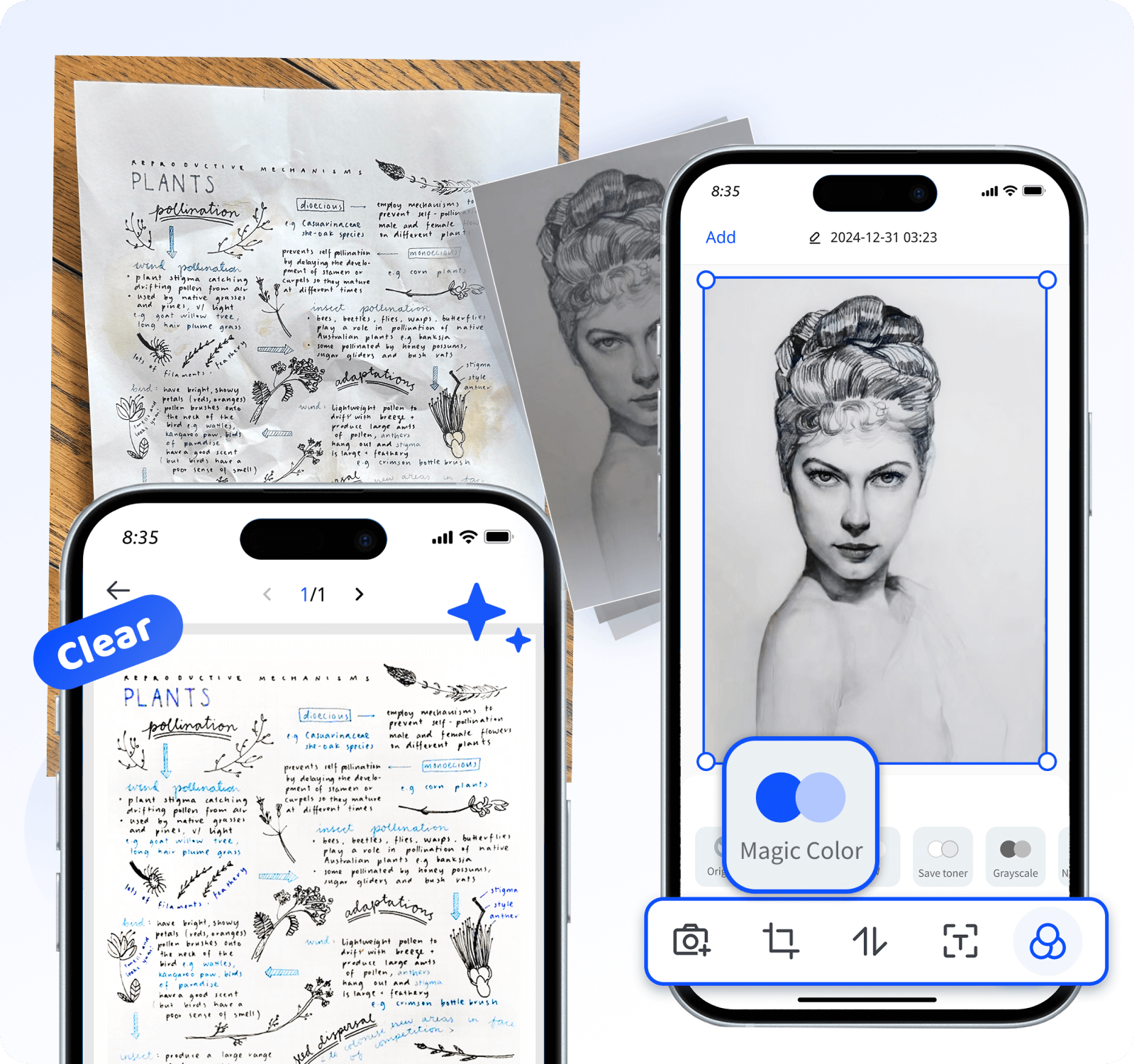
Automatically removes photo shadows, eliminates stains, smooths creases, and restores damaged paper photos—intelligently enhancing and converting them into digital data!
Save time by scanning on the go. Enable remote work. Empower students.
Enable remote work:Your employees are always in the field, collecting important documents from your customers. By scanning them , you can get those documents to the headquarters instantly.

このアプリは操作がとても簡単で、インターフェースも直感的にデザインされています。 毎回スキャンの効果が良くて、認識も正確で、文字部分もはっきりしています。 しかも、共有もとても便利で、コンビニに行ってスキャンするよりずっと楽です。 皆さんに強くお勧めします。

Share your work:Your artistic side kicked in: you want to scan a music score or tweet a sketch you’ve just done.

Go paperless:Scan all your important documents. Archive them to your favorite cloud service to back up.

Empower the digital classroom:Have students directly scan and send you their assignments to grade them directly on your tablet.

I recently started using Ask Max, and it’s hands down the best scanner for iPhone I’ve ever tried! It makes scanning and sharing PDFs incredibly fast and smooth, all without any annoying ads. On top of that, the scan quality is outstandingly clear. I highly recommend this app to anyone looking for the ultimate iPhone scanner. It’s absolutely worth a try!